The quickest way to learn TessaFab is on one of its examples: they are sliced, assembled and patterned already, so you can change anything and see what happens.
1. Open an example
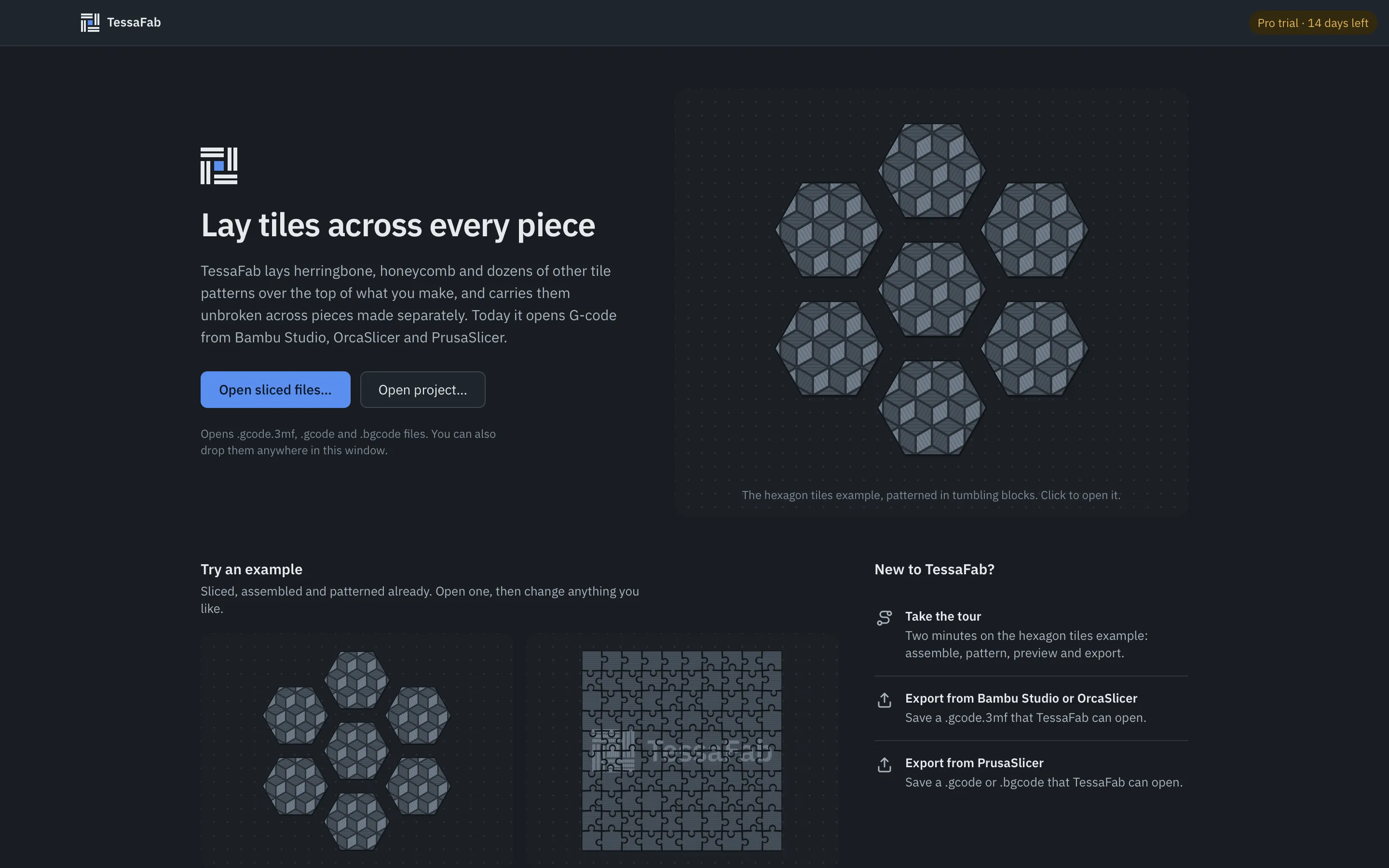
On the start screen, under Try an example, click Hexagon tiles: seven hexagons sliced on one plate, spaced apart, with the pattern running on across the gaps. The app opens in the Pattern step.
Prefer a guided version? Click Take the tour instead: two minutes on the same example.
2. Look at the assembly
Click Assemble at the top (or press ⌘1 / Ctrl+1). The list on the left is every piece on every plate; the board shows where each one goes. Drag a piece somewhere else and its part of the pattern goes with it. Press ⌘Z to undo.
3. Choose another pattern
Click Pattern (⌘2) and pick something from the gallery, say Herringbone. The 3D view updates by itself; the status beside the edition badge says Pattern ready when it’s done.
Scroll down the sidebar to change it:
- Adjust: the pattern’s parameters (plank width, grout) and each tile group’s line direction.
- Placement: turn, shift and scale the pattern over the assembly.
- Surfaces, Colour and Depth: covered in Surfaces and colours and Depth.
4. Check it in 3D
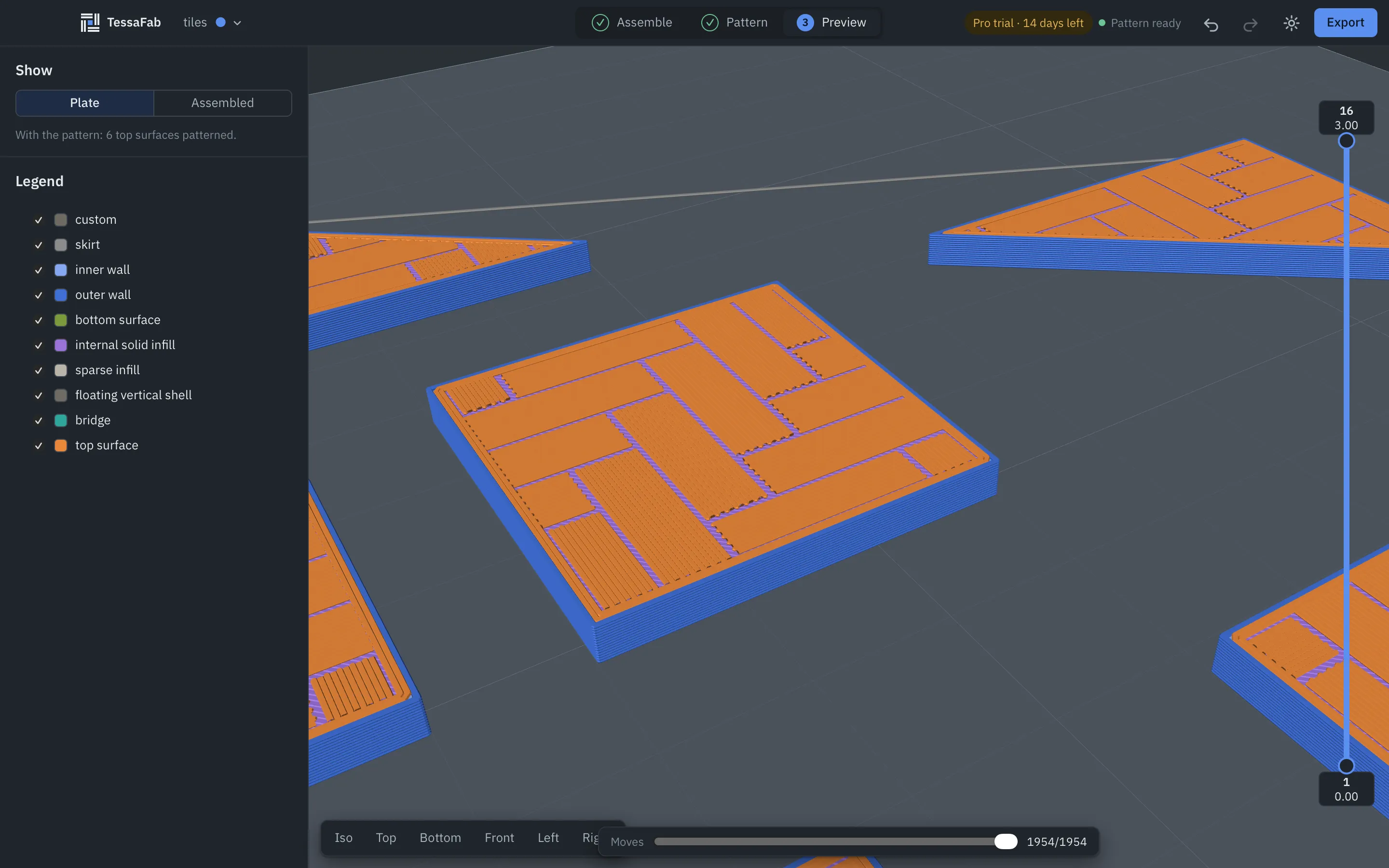
Click Preview (⌘3). These are the real new toolpaths, exactly as they will print. Drag to orbit, scroll to zoom, and step through the layers with the slider on the right.
5. Export
Click Export at the top right, then Export…, and choose where the new file goes. It’s a normal sliced file: open it in your slicer and print it the way you print anything. The original file is never changed.
Now with your own model
- Slice it as usual in your slicer and export the sliced file (how, for each slicer).
- Drop the file onto the TessaFab window, or click Open sliced files….
- Assemble, pattern, preview, export.
Free edition. Without Pro, TessaFab patterns one chosen piece of any file. Start the 14-day trial from the Free edition badge to pattern every piece.
6. Try it from your own slicer
The hexagon tiles are also a model you can slice yourself: download hexagons.stl (seven tiles, 3 mm thick, already spaced 8 mm apart). Slice it with your usual printer and settings, keeping the tiles where they are, export the sliced file (see Export from your slicer) and open it in TessaFab. The tiles open placed as they lie on the plate, so the pattern lines up across the gaps without any assembling. Patterning more than one piece needs Pro or the trial.